
macOS keep-awake utility
Keep your Mac awake while work is alive.
stayawake is a lightweight macOS keep awake app that watches system signals, protects long-running work, and steps aside when your Mac can sleep.
brew install --cask amoswzw/tap/stayawake
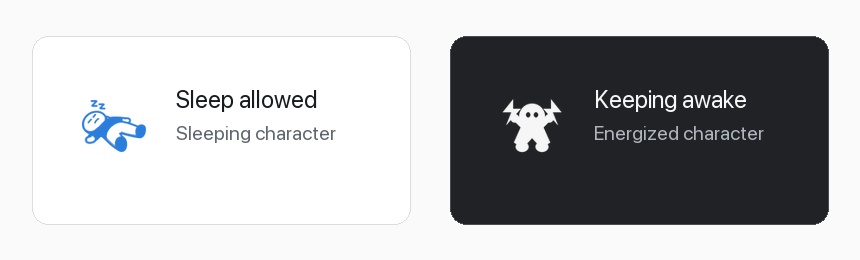
One tiny icon, two clear states.
The character changes with the decision, and the settings icon follows the same visual language.
Signals, not noise.
The policy favors low overhead and meaningful decisions over constant polling.
CPU, network, disk, and audio activity keep long tasks uninterrupted.
Foreground work apps, fullscreen windows, and task process names add intent.
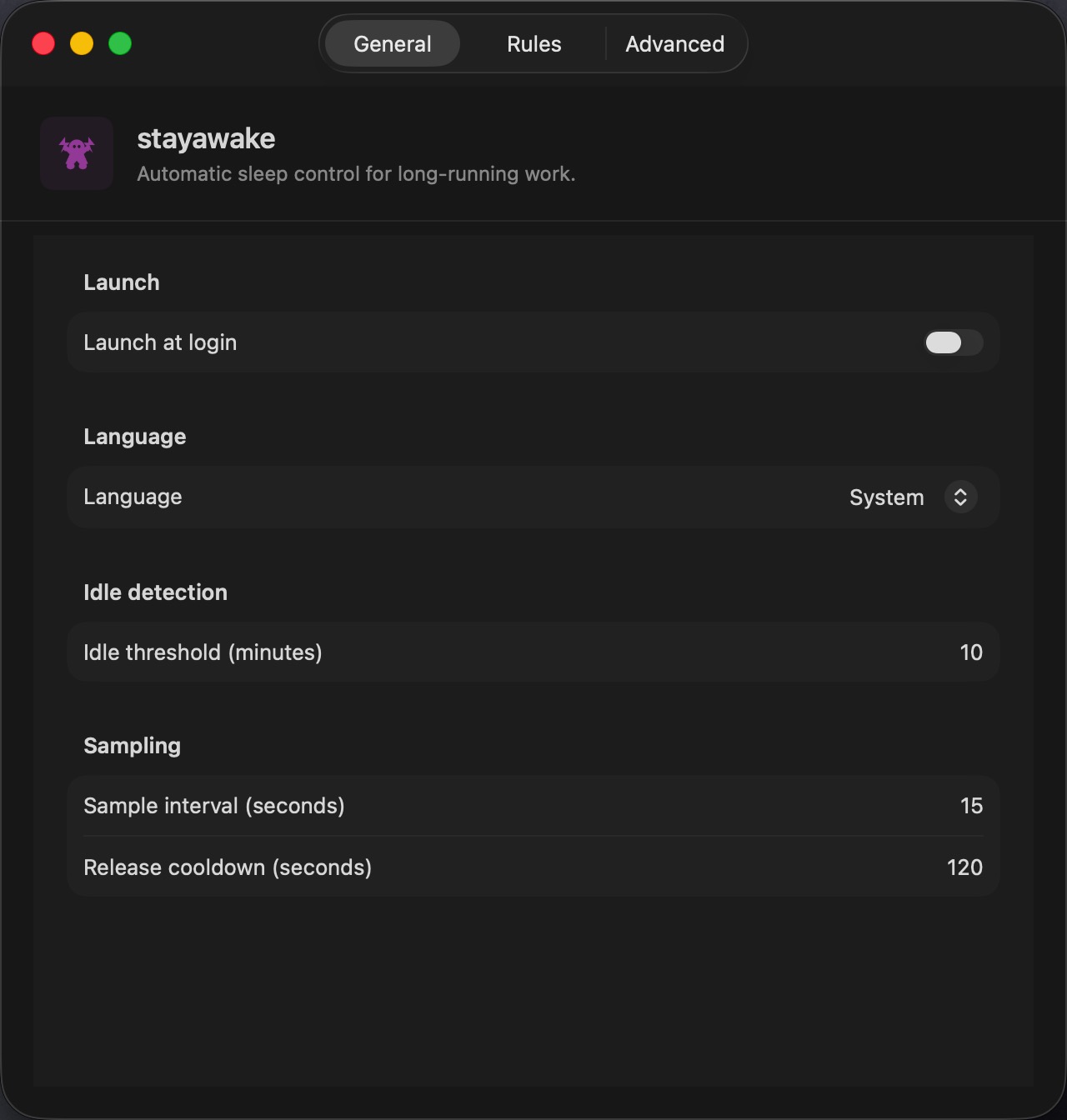
Automatic checks use a release cooldown to reduce always-on resource usage.
No account, no telemetry, no uploaded data, and no Accessibility permission.
For Mac work that should finish.
Use stayawake when macOS should avoid idle sleep for active work, then return to normal sleep behavior after signals go quiet.
Builds, downloads, scripts, renders, backups, archive jobs, and AI agent runs can finish without changing global power settings.
Audio playback and fullscreen work can keep the system awake while the activity is still useful.
When activity stops, stayawake releases its macOS power assertion so the normal sleep policy can continue.
Local AI agents and command-line jobs can keep working without a prevent-sleep setting left on all day.
Menu first, logs one click away.
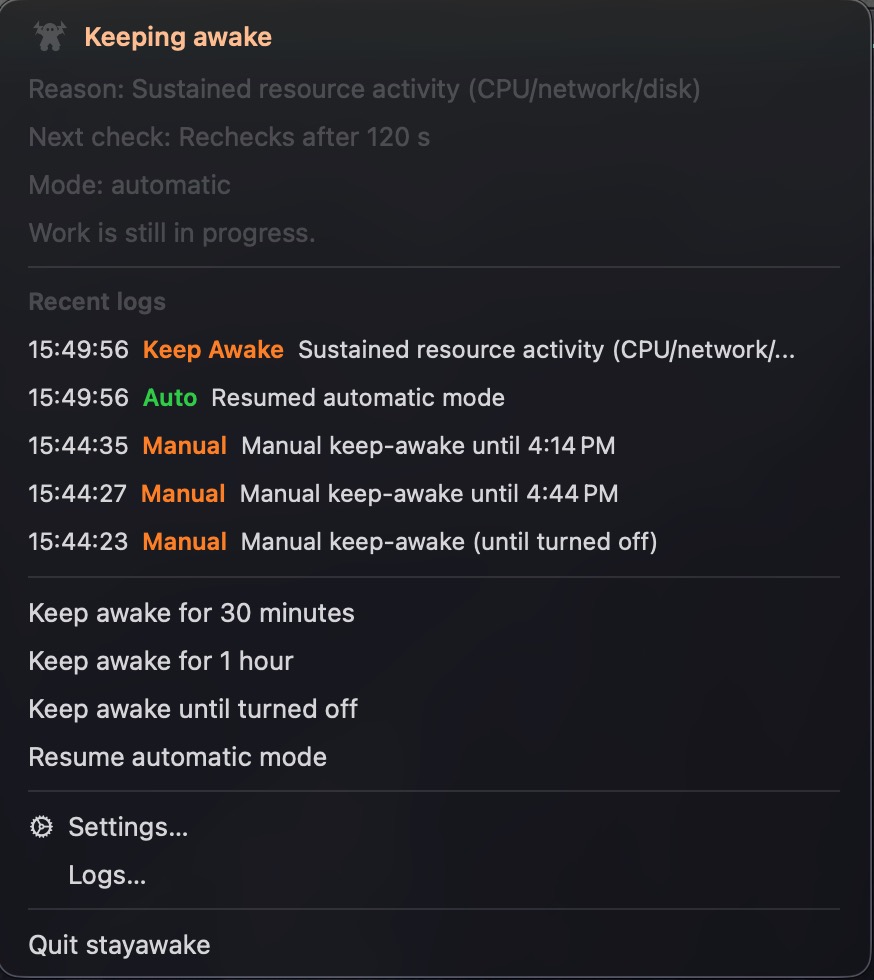
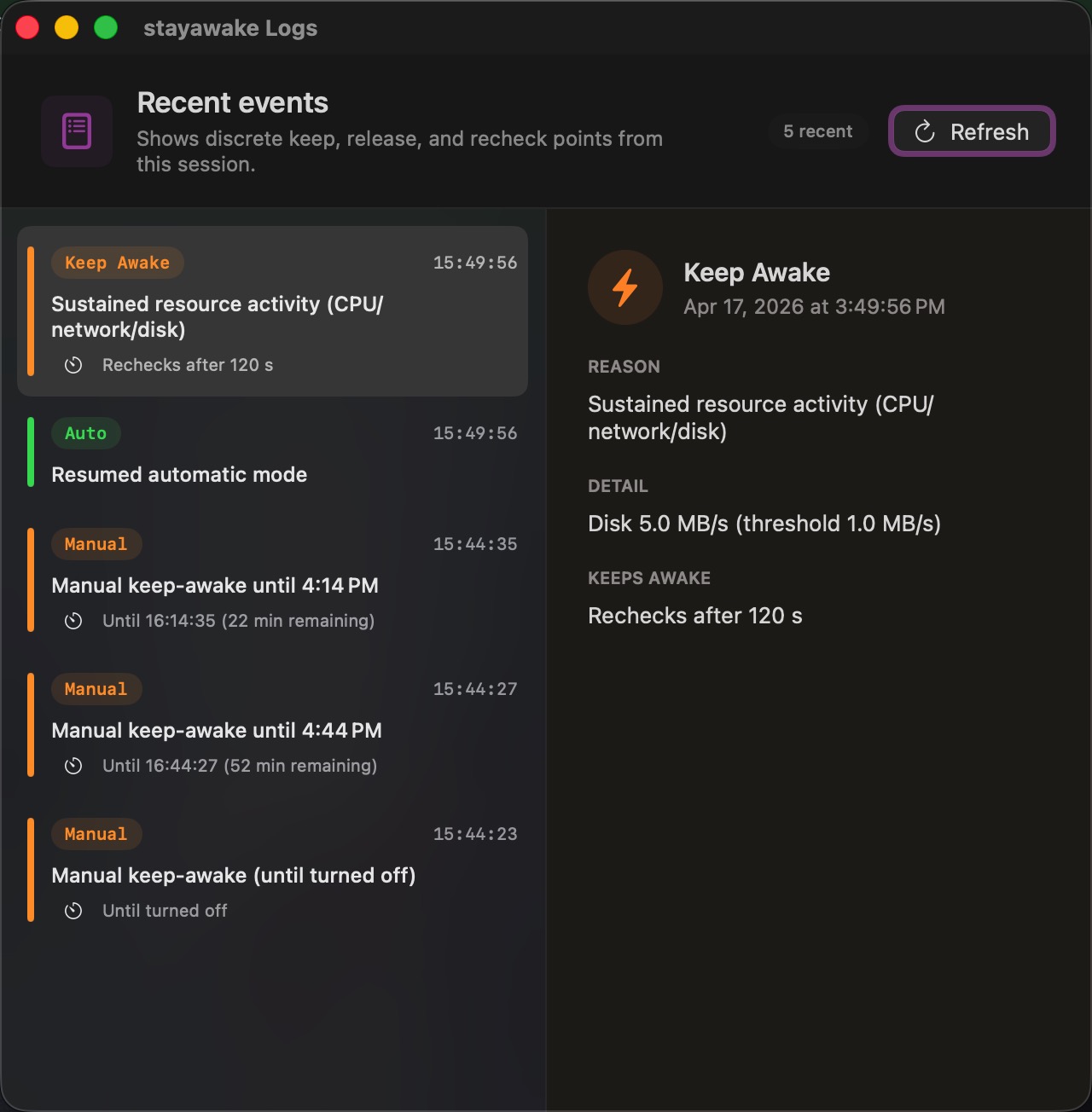
The menu opens directly to the current state, reason, next check timing, and recent status history.
Local by design.
stayawake reads aggregate macOS signals and stores settings locally. It does not inspect file content, browser pages, terminal output, or window text.
- No cloud service
- No account or telemetry
- No Accessibility permission
- English and Simplified Chinese